Description
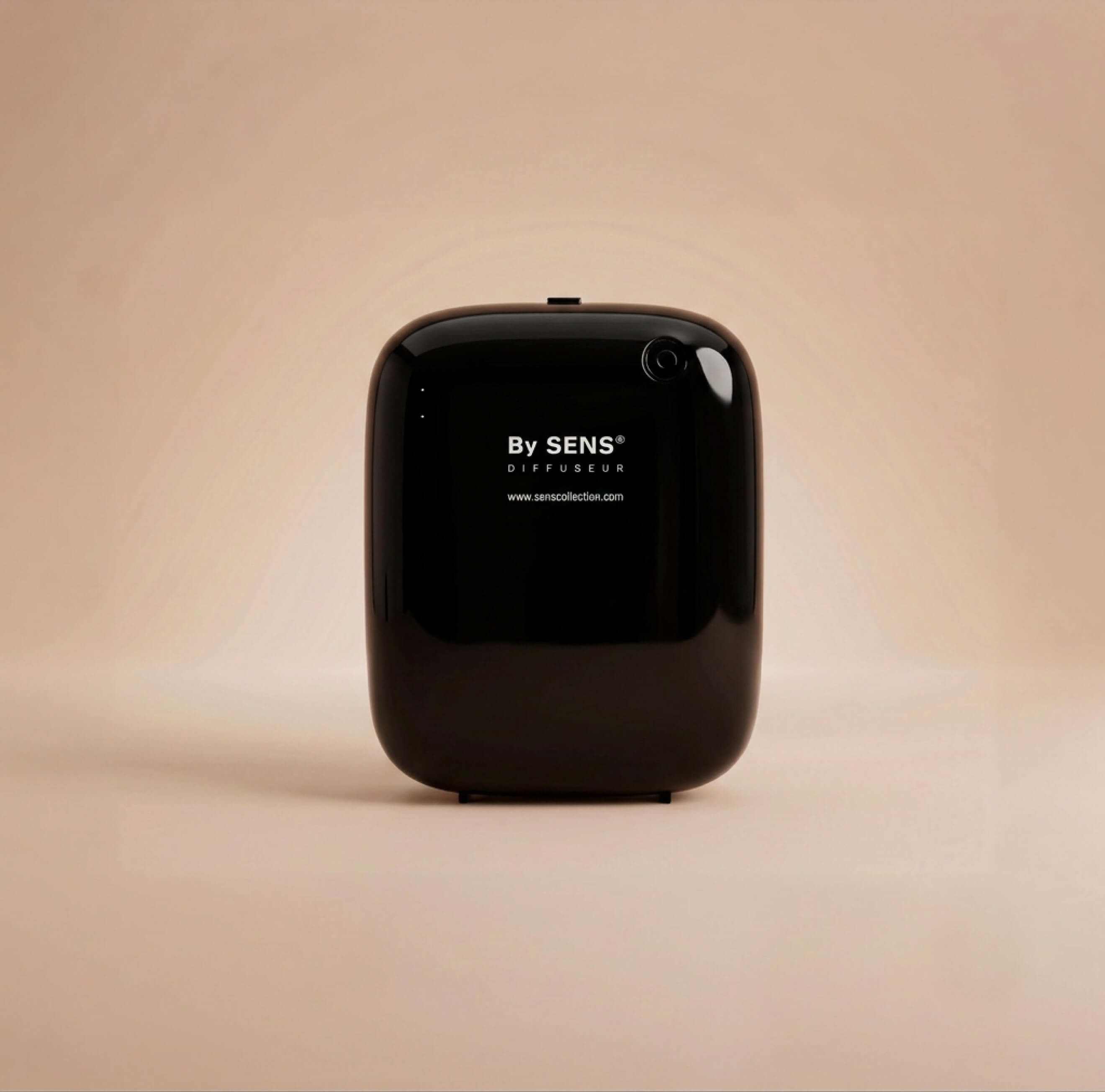
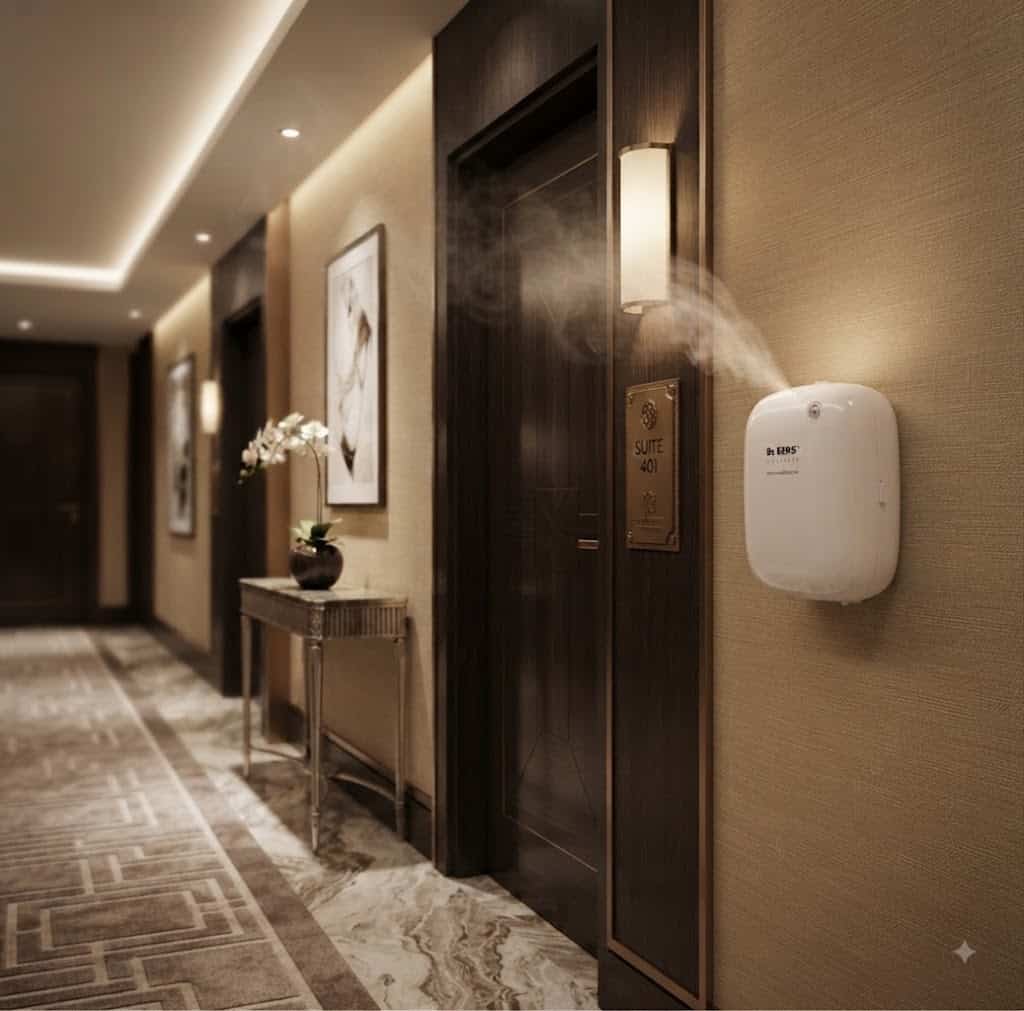
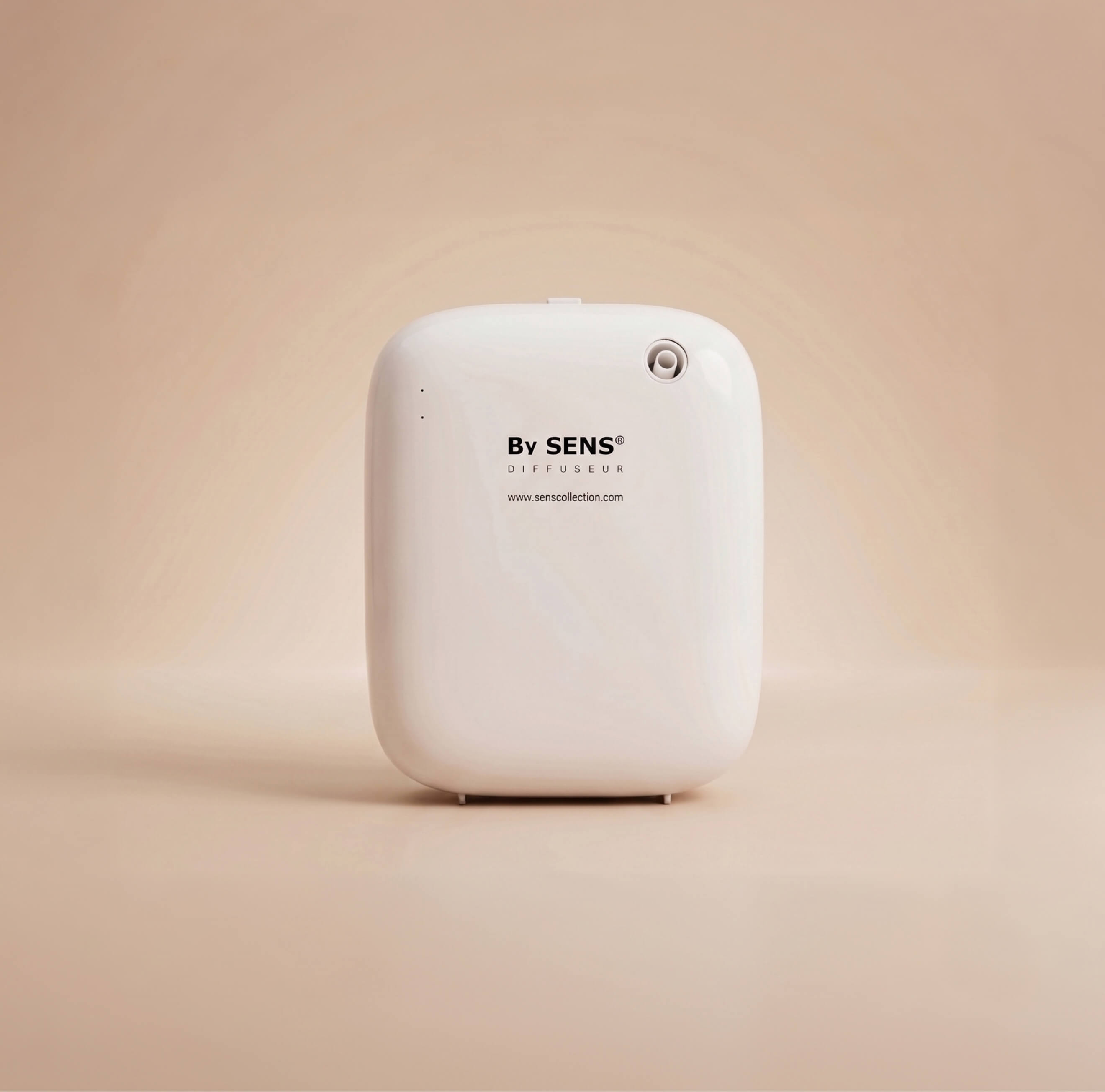
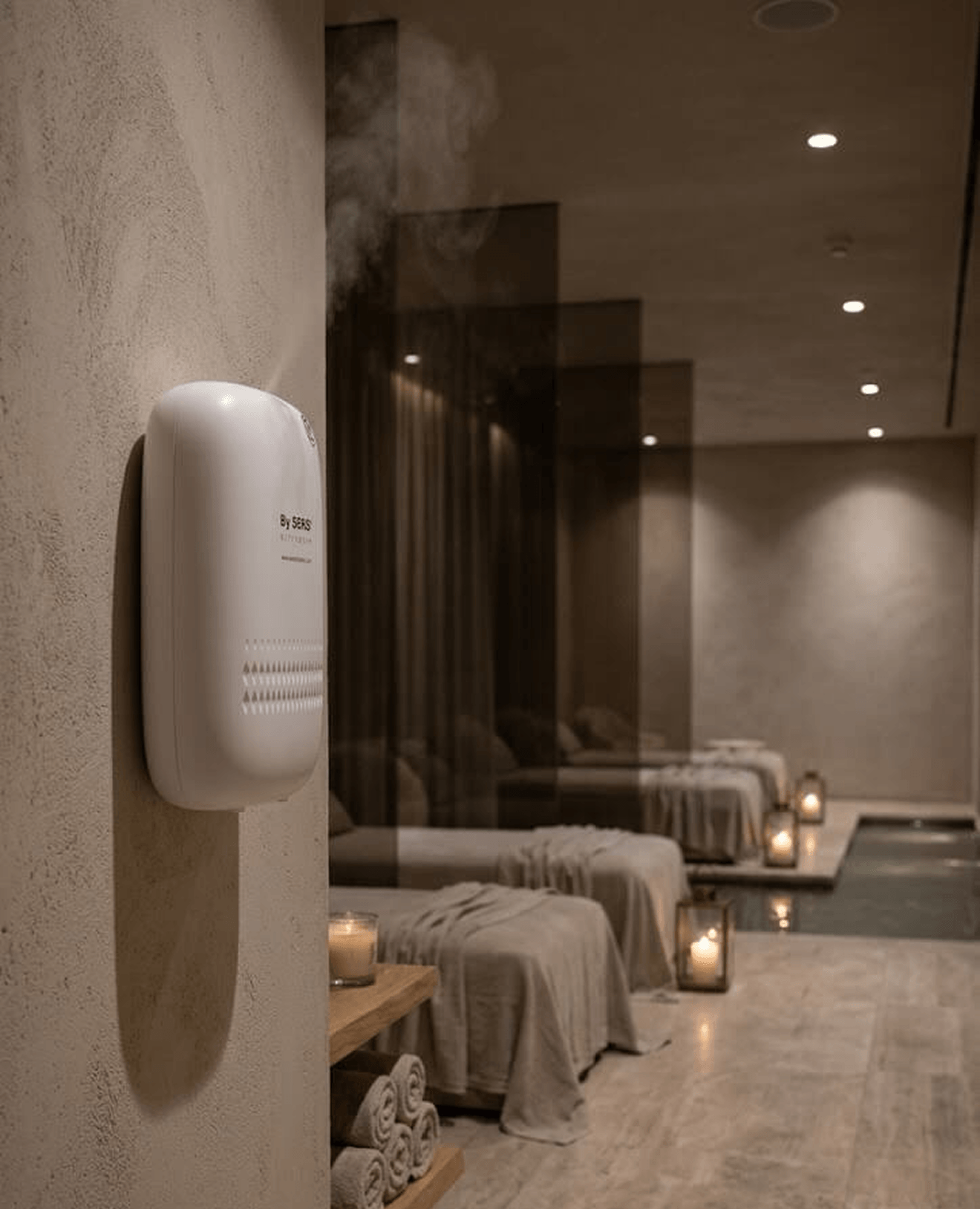
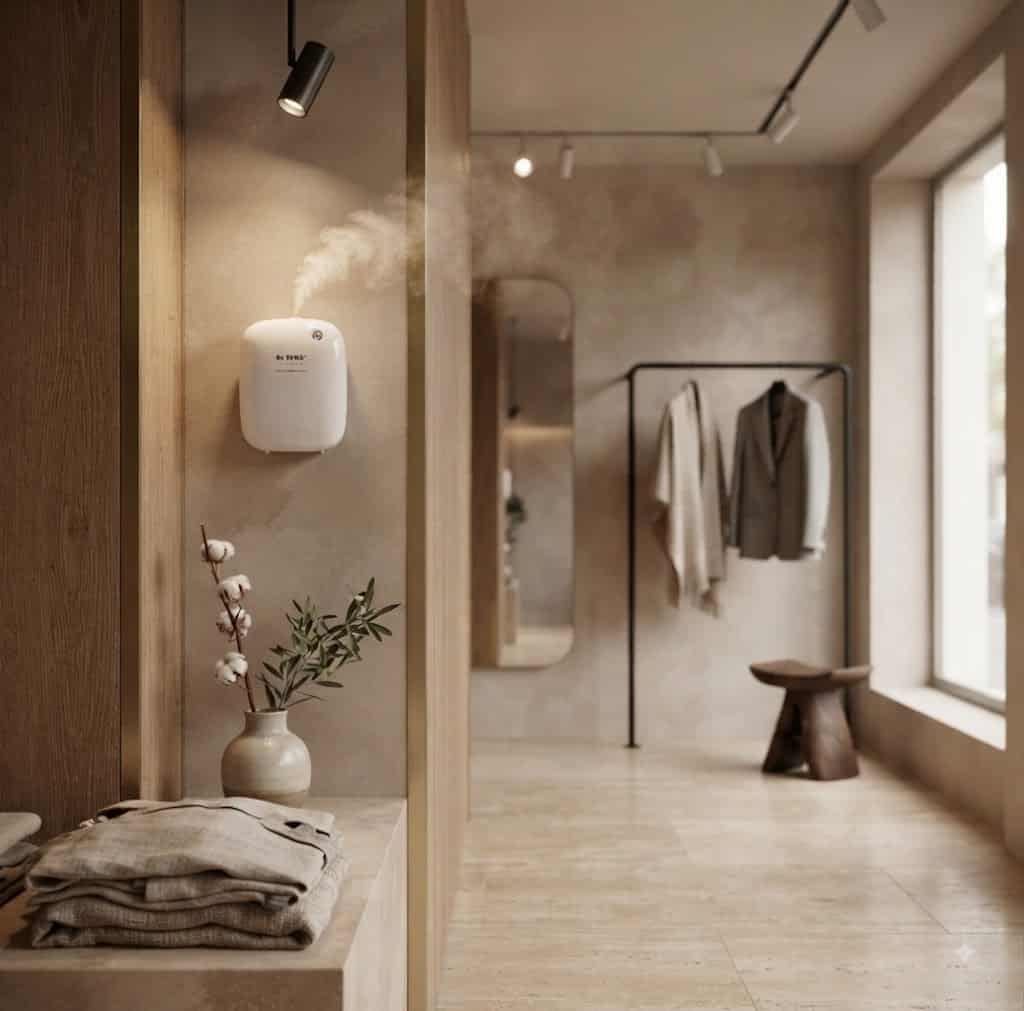
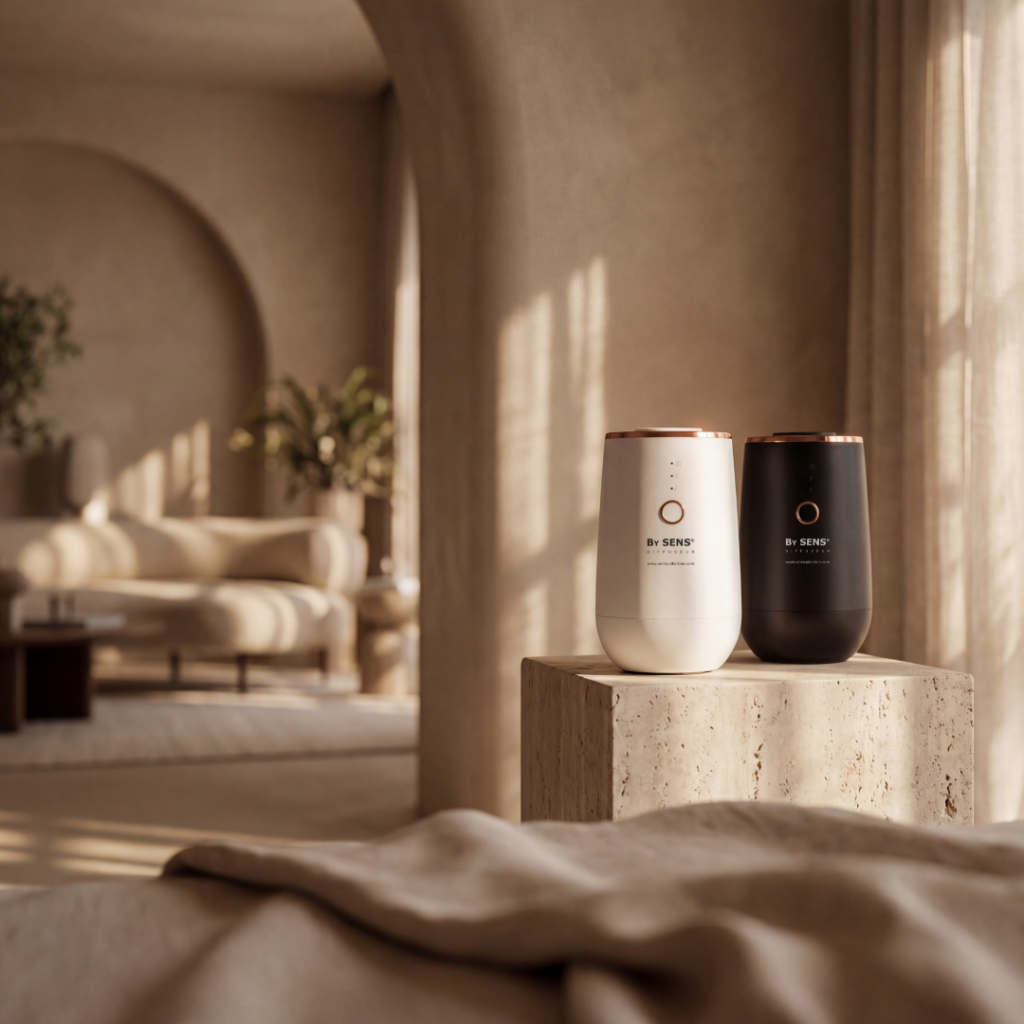
WallSens is a wall-mounted cold-air nebulizationbody, designed to fragrance spaces up to 120 m² : living room, entrance hall, corridor, shop, office, waiting room or hotel room. Mounted on the wall, it frees up space, stays discreet and can be controlled remotely from your smartphone. It works with our home fragrances created in Grasse.
Cold-air nebulization: a true-to-life scent, without water or heat
Unlike ultrasonic diffusers that mix fragrance with water, or candles and oil burners that heat it, cold-air nebulization turns pure fragrance into very fine, dry micro-particles. The result:
- A true-to-life scent : top, heart and base notes stay intact, nothing is altered by heat.
- Even diffusion : the micro-particles stay suspended in the air and spread throughout the space.
- No humidity : no residue on furniture, floors or clothing.
Wall-mounted in minutes
- Easy installation : stick the wall adhesive, hang the device and tighten the screws. On tiles or wood, with no drilling.
- Compact size : 19.8 × 15.9 × 8.2 cm and 0.6 kg, it blends into the decor.
- Lockable cover : the bottle and settings are protected, ideal for spaces open to the public.
WiFi and Bluetooth control
WallSens is controlled with the Scent Marketing app (iOS and Android), in two ways:
- Over WiFi (2.4 GHz) : adjust your diffuser remotely, from anywhere, and group several devices to manage them together.
- Over Bluetooth : adjust it on site, directly from your phone, with no internet connection.
Diffusion scheduled around your routine
- 20 intensity levels and a custom mode, with the diffusion and pause times of your choice.
- Time slots and days of the week : fragrance is diffused only when you need it.
- Consumption tracking in the app: remaining fragrance level and estimated number of days before the bottle needs changing.
400 ml bottle included
The diffuser comes with its 400 ml bottle. As a guide, at level 4 with 8 hours of diffusion per day, a bottle lasts about four and a half months. Actual duration depends on the fragrance, intensity and schedule chosen.
Frequently asked questions
Do I need to drill the wall?
No. WallSens attaches with a wall adhesive on a clean, flat surface (tiles, wood…), then is secured with the screws provided.
WiFi or Bluetooth: what is the difference?
Both are included. Bluetooth lets you adjust the diffuser on site, without internet. WiFi lets you control it remotely, from anywhere, and manage several diffusers together.
Is the bottle included?
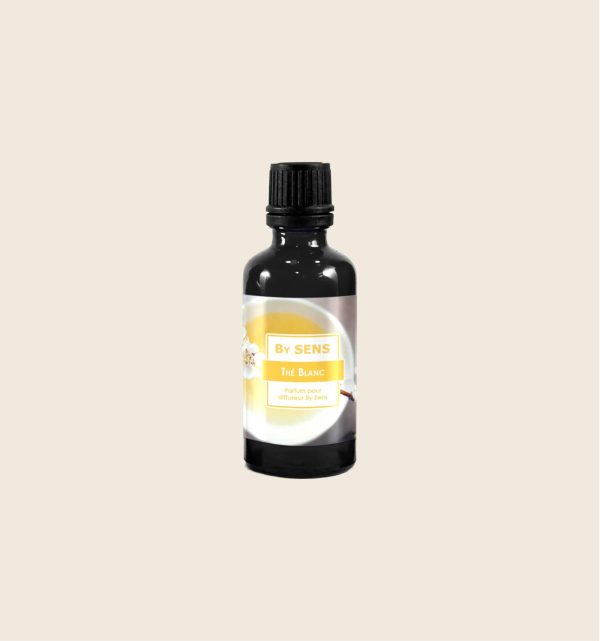
Yes, a 400 ml bottle comes with the diffuser. You then choose the fragrance you like from our Grasse creations.
Which fragrances should I use?
Our home fragrances are formulated for cold-air nebulization. For best results, do not use oils that are too thick (viscosity below 30 mPa·s).
WallSens or ProSens: which one should I choose?
WallSens covers up to 120 m² and mounts on the wall: ideal for the home, a shop or an office. For a larger space or a connection to the ventilation system, choose the ProSens 1 (up to 150 m²) or the ProSens 2 (up to 400 m²).
1. First-time setup
- 1. Insert the key, turn it anticlockwise, then press the release button to unlock the device.
- 2. Take the bottle out of the device.
- 3. Unscrew the bottle, fill it with fragrance, then screw it back on firmly.
- 4. Line the bottle up correctly and put it back in the device.
- 5. Lock the device and plug it in: it is ready to diffuse.
2. Mounting on the wall
- Preparation: the surface (tiles, wood…) must be clean, dry and flat.
- Installation: peel the protective film off the adhesive and stick it to the wall. Hang the device on the adhesive, then tighten the screws.
- Coverage: WallSens fragrances up to 120 m². For a larger space, plan several devices or the ProSens 1 (up to 150 m²).
- Avoid heat sources, windows left open and strong draughts.
3. Connecting the app
Download the Scent Marketing app (App Store or Google Play).
- Over Bluetooth: turn on Bluetooth and location on your phone, choose “Bluetooth” in the app, select your diffuser and enter the default password 8888.
- Over WiFi: choose “WiFi”, create your account with your phone number or email, then add the device and connect it to your 2.4 GHz WiFi network (5 GHz networks are not supported).
- Password: change it in “Device control”, “About” tab, then “Change password”.
4. Setting the diffusion
- Schedule and days: tap “+” to add a time slot, then choose the start time, end time and days of the week. Swipe left to delete a slot.
- Intensity: set the level from 1 to 20, or tick “Custom” to choose the diffusion and pause times.
- Save: after each change, tap “Save” at the top right of the screen.
- Consumption tracking: after at least 10 days of use, measure the fragrance left in the bottle, tap “Calibrate” and enter this volume. The app then shows consumption and the number of days remaining.
5. Indicator lights and beeps
- WiFi light: red = not connected to WiFi; alternating red and blue = pairing in progress; flashing blue = connecting; steady blue = connected.
- Bluetooth light: it flashes each time a setting is received.
- Beeps: several short beeps = Bluetooth connected; one beep = WiFi paired; one long beep = device reset (long press on the reset button).
6. Maintenance
- Cleaning: before changing fragrance, or if diffusion weakens, remove the diffusion head, soak it with the bottle in alcohol for 5 to 10 minutes, then let it air-dry.
- Fragrances: use fluid fragrances (viscosity below 30 mPa·s). The device works best at around 25 °C.
- Cable: do not bend it forcefully, pull on it or put anything heavy on it.
- Do not take the device apart. If it breaks down, contact us at info@senscollection.com.
7. Troubleshooting
- The device does not diffuse: check that you are within an active time slot. The diffusion head may be blocked: clean it with alcohol or replace it.
- Diffusion is weak: the diffusion head may be clogged: clean it with alcohol or replace the diffusion core.
- Fragrance is leaking: check that the bottle is screwed on properly and that the device is upright.
- WiFi will not connect: check that your network is 2.4 GHz, then restart pairing from the app.